
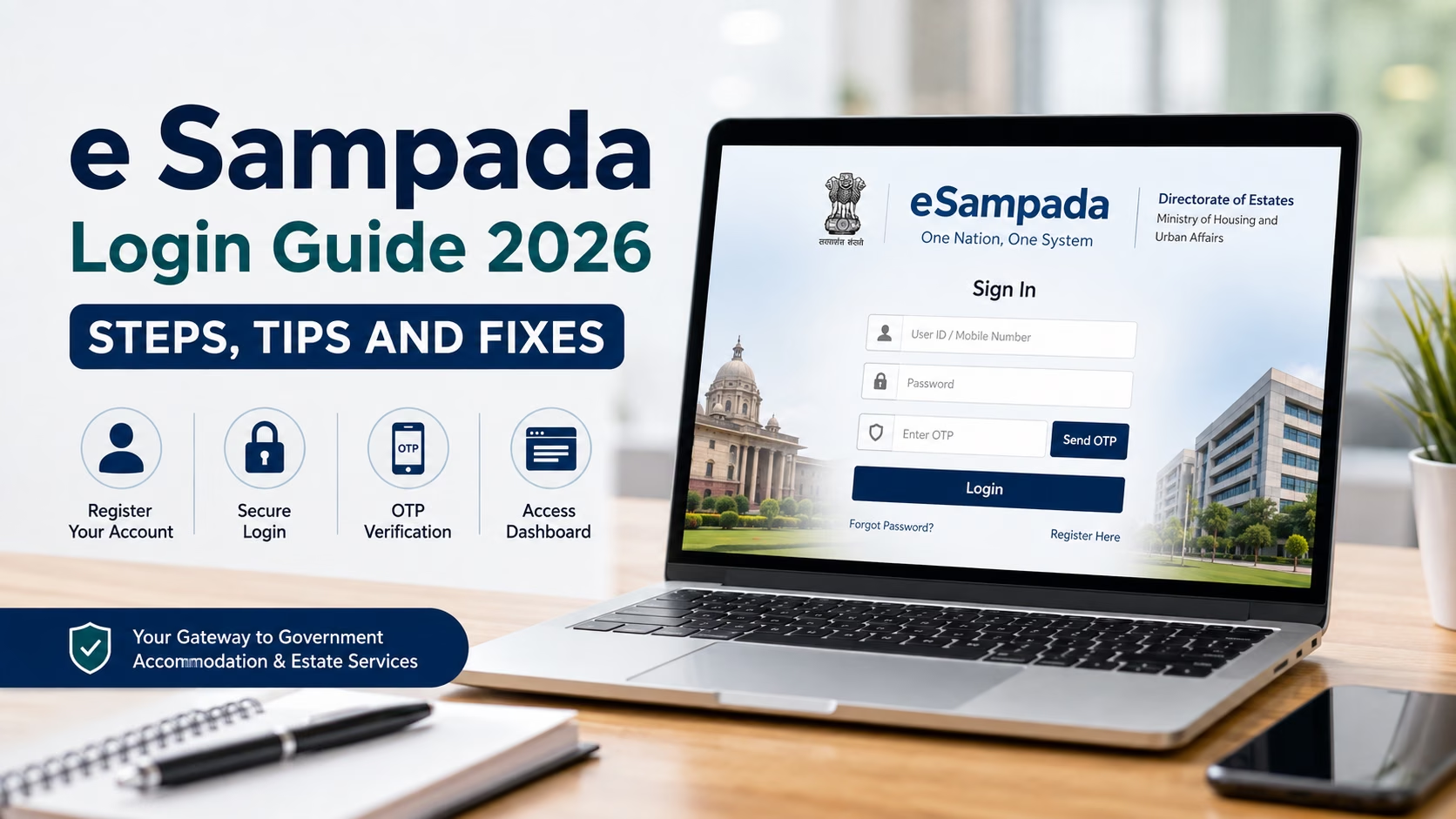
Government employees across India rely on a single digital portal to book accommodation, holiday homes, office space and event venues. That portal is eSampada, and the e sampada login process is the gateway to every service it offers. Whether you are a serving officer applying for residential quarters or an allottee checking your bidding status, understanding how the e sampada login works saves time and avoids unnecessary confusion.
This guide walks through registration, the sign in process, common login problems and practical fixes, all based on the current version of the portal.
What Is the eSampada Portal
eSampada is a unified digital platform developed by the Directorate of Estates under the Ministry of Housing and Urban Affairs. It brings together services that were once scattered across separate websites, including residential accommodation, holiday homes, office space allotment and venue bookings such as Vigyan Bhawan. The portal follows a “One Nation, One System” approach, so users no longer need multiple logins for different estate services.
You can access the official portal at esampada.mohua.gov.in. A dedicated mobile app is also available for Android and iOS users who prefer managing bookings on the move.
Why the e Sampada Login Matters
Every service on the portal, from checking allotment status to submitting a booking request, sits behind the esampada login screen. Without completing this step correctly, you cannot view your profile, track applications or make payments. Getting the login process right the first time prevents delays, especially during bidding cycles when eligibility deadlines are strict.
Read More: E Sampada 2026 Guide
Step by Step Guide to eSampada Login
Follow these steps to complete your esampada login successfully.
Step 1: Visit the Official Website
Open your browser and go to esampada.mohua.gov.in. Always type the address directly or use a bookmarked link. Avoid clicking on links from unverified emails or messages, as look-alike websites sometimes try to mimic the official portal.
Step 2: Locate the Sign In Option
On the homepage, find the “Login” or “Sign In” button, usually placed near the top of the page. Clicking it opens a sign in window where existing users can enter their credentials.
Step 3: Enter Your Registered Details
Type in your registered user ID or mobile number along with your password. If you registered using your mobile number, the system may prompt you for an OTP instead of a traditional password for added security.
Step 4: Verify Through OTP
Many sessions on the portal require OTP verification. Enter the one-time password sent to your registered mobile number or email address. If the OTP does not arrive within a minute, use the “Resend OTP” option available on the same screen.
Step 5: Access Your Dashboard
Once verified, the system directs you to your personal dashboard. From here, you can update your profile, apply for eligibility, check waiting lists, book holiday homes or track pending dues.
How to Register Before Your First e Sampada Login
If you are a new user, you must register before attempting an esampada login. Here is how the registration process works.
- Visit esampada.mohua.gov.in and click on “Register Here” from the sign in pop-up.
- Select your applicant type, such as central government employee, allottee or stakeholder.
- Fill in personal details including full name, designation, official email and mobile number.
- Provide your service or employment identifiers for eligibility verification.
- Submit the form and complete OTP verification for both mobile and email.
- Wait for approval from the concerned admin authority before your account becomes active.
After approval, you can proceed with your regular e sampada login using the credentials created during registration.
Completing Your Profile After Login
A successful e sampada login is only the first step. The portal requires users to keep their profile updated, particularly ahead of bidding cycles for accommodation or holiday homes. After logging in, click on “My Profile,” fill in your personal information accurately and upload a passport-sized photograph in the specified format. Government employees should note that profile updates are typically required once a year to remain eligible for bidding rounds.
Common e Sampada Login Problems and How to Fix Them
Users occasionally run into hurdles during the esampada login process. Below are the most common issues and their solutions.
- Forgotten password or user ID: Use the “Forgot Password” link on the sign in page. The system sends a reset link or OTP to your registered mobile number or email.
- OTP not received: Check that your mobile number is active and has adequate network signal. Wait a few minutes before requesting a new OTP, and confirm the number linked to your account is correct.
- Website not loading properly: Clear your browser cache or try a different browser. If the issue persists, switch to the official eSampada mobile app instead.
- Account not yet approved: New registrations require admin approval before login access is granted. If approval is taking longer than expected, contact your department’s estate office for assistance.
- Session timeout: For security reasons, the portal automatically logs out inactive sessions. Simply repeat the e sampada login process to continue where you left off.
Services Available After e Sampada Login
Once you complete your esampada login, you gain access to a wide range of services, including:
- Applying for government residential accommodation
- Booking holiday homes across various locations in India
- Reserving office space and venues for official events
- Checking waiting list status and bidding schedules
- Making online payments for allotted accommodation
- Applying for a No Dues Certificate before vacating premises
Tips for a Smooth e Sampada Login Experience
Keep your registered mobile number and email address updated at all times, since OTPs and important notices are sent to these contacts. Bookmark the official portal link to avoid landing on fraudulent websites. Update your profile well before bidding deadlines rather than waiting until the last moment. If you manage multiple roles, such as being both an applicant and an estate manager, keep your login credentials for each role clearly noted to avoid confusion during the e sampada login process.
Staying Safe While Using the Portal
Since the eSampada portal handles sensitive personal and service-related data, it is worth taking basic precautions. Never share your OTP or password with anyone, including individuals claiming to represent the Directorate of Estates. Always confirm you are on the genuine esampada.mohua.gov.in domain before entering any details. Using the official mobile app from verified app stores adds another layer of safety for your e sampada login sessions.
Final Thoughts
The e sampada login process brings together several essential government services under one digital roof, cutting down the paperwork and confusion that once came with managing accommodation, venues and holiday homes separately. By registering correctly, keeping your profile updated and knowing how to troubleshoot common login issues, you can navigate the portal with confidence. Whether you are booking a holiday home or checking your allotment status, a smooth e sampada login experience starts with following the right steps and keeping your account details current.
Struggling to make sense of housing processes, government portals or home related paperwork? Zen Nest Living offers clear, practical guides on real estate and home living topics to help you navigate these journeys with ease. Get in touch with our team today for personalised support and expert guidance on your next property decision.
Frequently Asked Questions
1. What should I do if my e Sampada login shows an “account not approved” message?
This typically means your registration is still awaiting verification from the admin authority. Reach out to your department’s estate office to check the status and speed up approval.
2. Can I use the same e Sampada login for both web and mobile app access?
Yes. Your registered credentials work across both the official website and the eSampada mobile app, so you can switch between devices without creating a separate account.
3. Is it safe to save my e Sampada login password in the browser?
It is generally safer to avoid saving passwords for government portals in shared or public browsers. Use a private device and log out after each session for better security.
4. Why does the portal ask me to update my profile every year?
Annual profile updates confirm your continued eligibility for bidding cycles related to accommodation and holiday home allotments. Skipping this step may make you ineligible for the next bidding round.
